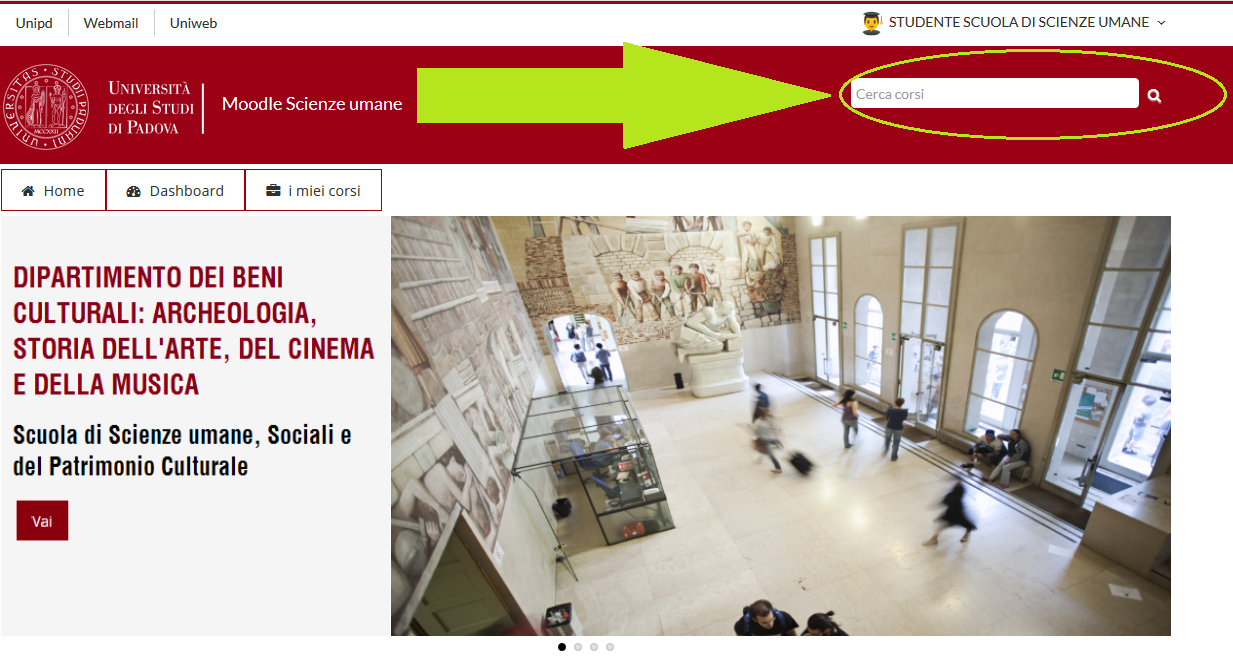
Webmail - Uniweb - Moodle Scienze umane: minitutorial
Moodle Scienze umane - How to enrol/unenrol a course - Dashboard - My courses
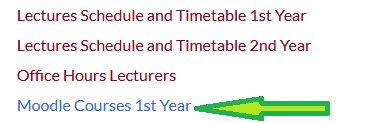
1) From Local Development Home Page or from Sustainable Territorial Development Home Page click on Moodle Course or Moodle Course 1st Year:
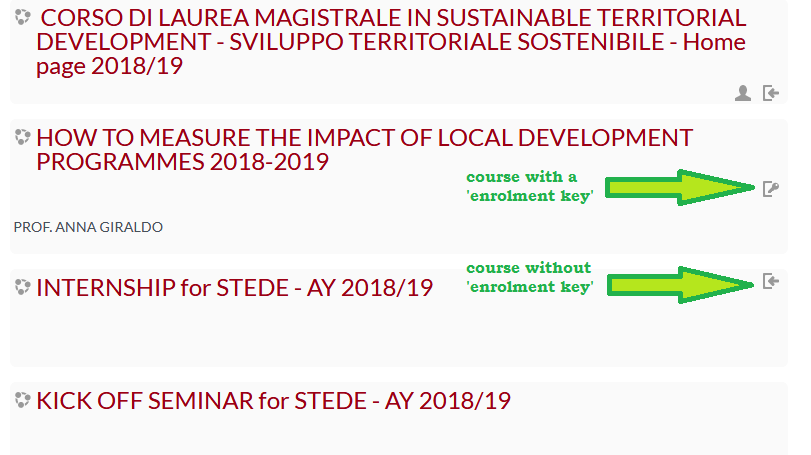
2) Click on the course you want to enrol:
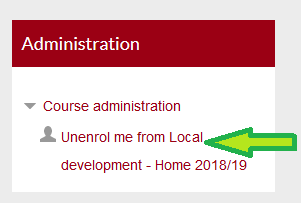
3) Unenrol: on the menu Administration (on the left) click on:
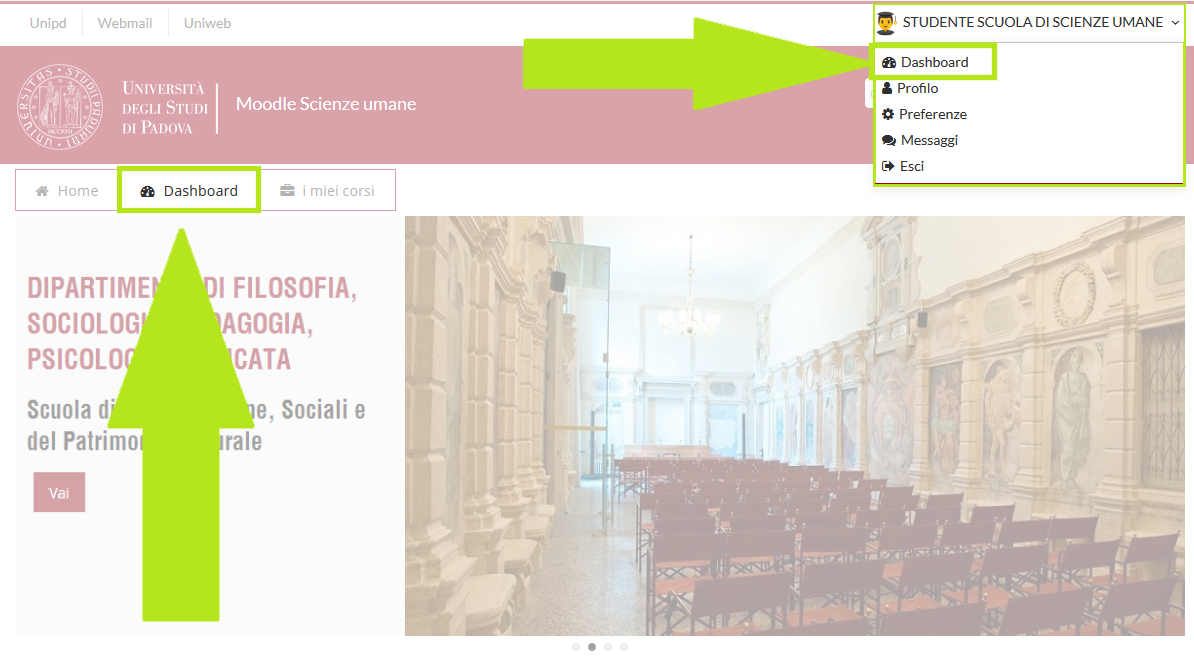
4) Dashboard: user "Home Page" with link to all the courses in which he/she is enrolled.
It could be displayed after the login:
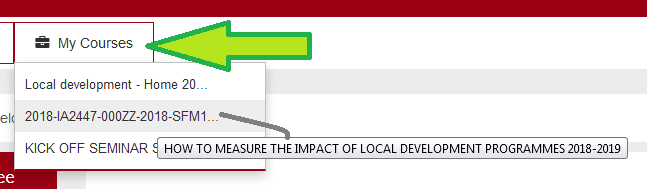
5) My Courses: dropdown menu with a list of an enrolled user Moodle Courses.
Clicking on a course menu entry, the user can view it
6) Finder (search by course name or professor name)